



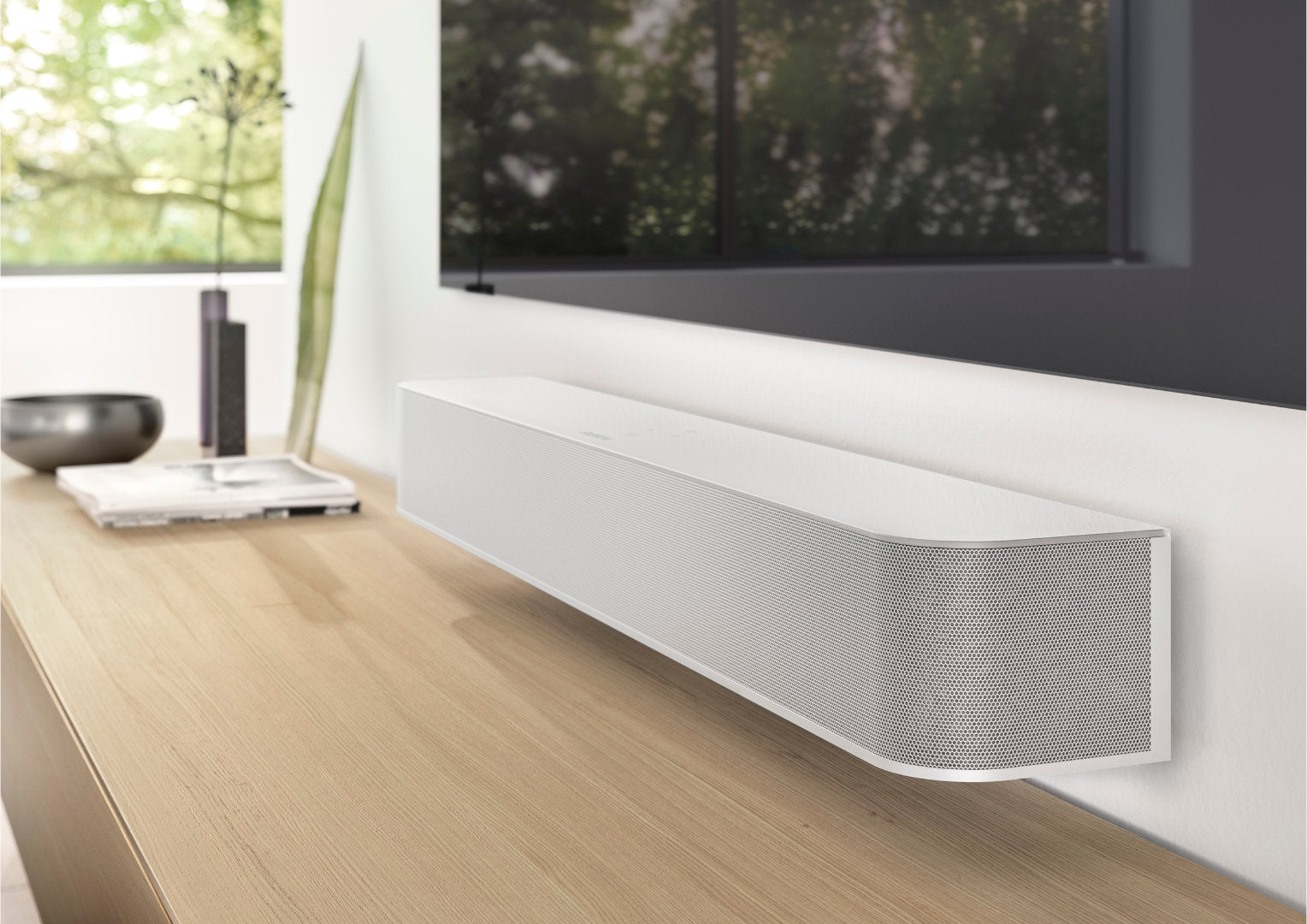
STUDIOART S100 Update V57
Performing the update
The S100 Audiobar automatically receives its new software via a device restart. Make sure that your network (WLAN/LAN) is accessible at the time of the restart.
New features with the STUDIOART Update
S100 Audiobar (Software Version: V57, KleerNet: V5)
You will find NEW in the OSD Menu (On-screen menu):
1.) "TV Boost": To increase the volume level via ARC (Audio Return Channel) by +10dB.
With some TV manufacturers, the sound output via ARC is too quiet. With the "TV Boost" function, this can be increased by +10dB, thus compensating for any differences that may occur between the TV and
other sources. This function therefore only affects the ARC channel and not other sources.
2.) "Radio band" / "Wireless band": KleerNet connection
Selection of the radio channel for rear speakers or bass modules.
In the event of interference from other radio sources, a different frequency range can be selected to improve the radio connection. The options are
"Automatic" (as before), "2.4Ghz", "5.2Ghz" and "5.8Ghz". By selecting different radio frequencies, up to three systems can now also be operated in one household.
Both points can initially only be changed in the OSD Menu (on-screen menu) of the S100. An update of the STUDIOART App is planned for a later date.
Note: Troubleshooting dropouts during music playback
The STUDIOART speaker systems are designed for joint operation with WLAN and Bluetooth networks. Nevertheless, there can be mutual interference
between them and with other radio systems that also operate on the same frequency if they are in the immediate vicinity of the STUDIOART speaker
.
This can lead to interruptions in music playback. Since the STUDIOART speaker system constantly searches for the optimal frequency within certain ranges where there are as few other sources of interference as possible, if there is too much radio traffic on this frequency, it automatically switches to the next of three frequencies. However, as soon as other devices that also work according to this principle are in operation, the devices may cause each other to switch frequencies. Constant switching is the result, which can lead to music dropouts. To prevent this, a different frequency range can be selected using the "Radio band" / "Wireless band" menu item in the OSD Menu (on-screen menu), as described under 2.) above.


